What Is Portrait Photography?
Portrait photography is the art of creating photographs of individuals in a controlled setting, usually with a high-resolution camera and professional lighting. The goal is to capture the subject in a flattering and memorable way while highlighting expression, personality, and style.
Why Choose Green Screen Wizard Pro Studio?
Flexible Backgrounds
Offer clients a wide variety of settings, from formal studio looks to outdoor scenes, urban textures, and clean headshot backgrounds.
Skin Smoothing
The Pro version includes skin-smoothing tools that help close-up portraits look polished and professional.
Built-In Editor
Correct lighting, improve color, fix skin issues, and make quick edits without leaving the program.
Advanced Hair Processing
Hair can be challenging with green screen photography, but Pro Studio includes tools to handle fine edges more effectively.
Lighting Effects
Add background lighting effects or subtle glow effects around the subject for a more dramatic portrait.
Shadow Generator
Create realistic shadows that help the finished image look like a traditional portrait instead of a simple composite.
The built-in editor can also remove blemishes, whiten teeth, and correct small issues that make a big difference in final portrait quality.
Types of Portrait Photography
Equipment You Need
- A quality DSLR or mirrorless camera that can capture high-resolution JPG files
- Green Screen Wizard Pro Studio
- USB Drive with 3600 images (Optional)
- A green screen background with a stand or support system
- Professional lighting with at least two lights
- A posing stool for seated portraits
For this guide, we will assume you already own a camera and are looking to build the rest of your portrait setup.
Green Screen Software and Backgrouds
Green Screen Wizard Pro Studio
Green Screen Wizard Pro StudioPro Studio is the product of choice for portrait photography.
Learn More About Pro Studio
USB Essential Background Drive
The USB Essential Background Drive has over 3600 backgrounds including backgrounds for portrait photography
Learn More About USB Drive
Green Screen Backdrop Options
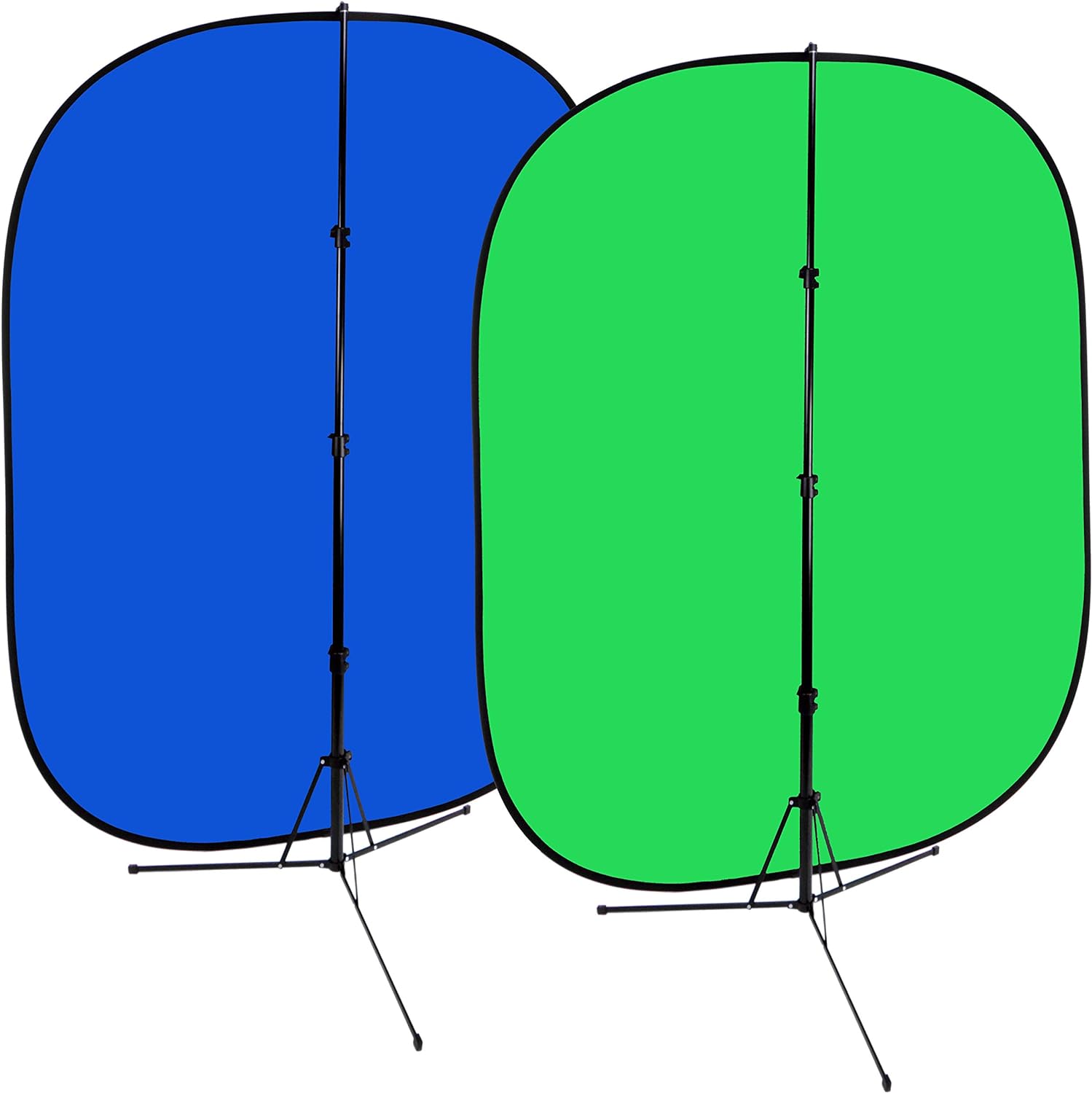
1. Pop-Up Green Screen
A pop-up dackdrop is affordable, lightweight, and very portable. It is a great choice for photographers who travel or want a simple setup.
Here is a $66 popup screen from Amazon
 Click here to view on Amazon
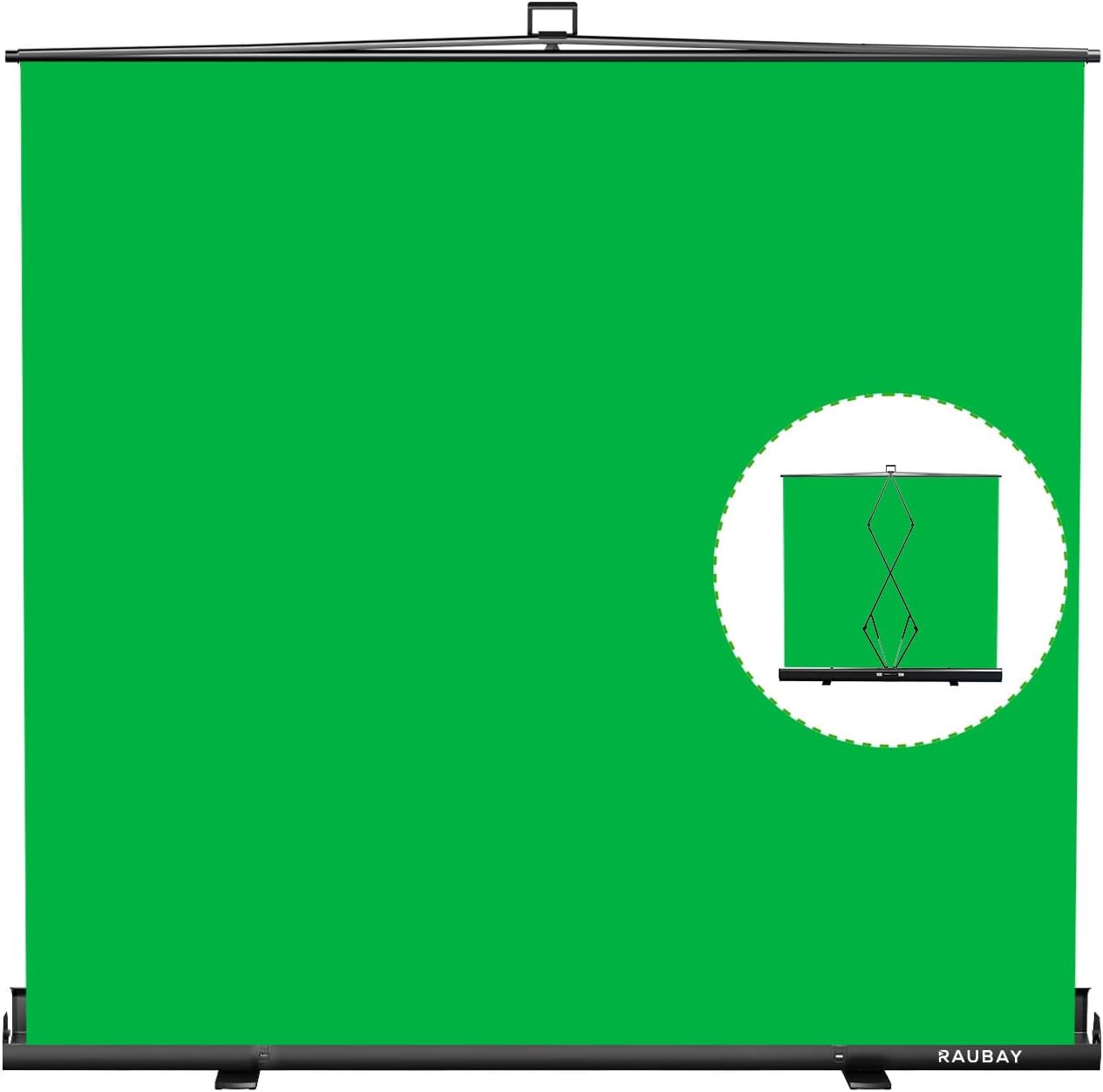
2. Pull-Up Green Screen
A pull-up backdrop is fast to set up and take down. It is ideal for photographers who want a more polished portable solution and enough width for two people.
Here is a $220 pull up screen from Amazon
 Click here to view on Amazon
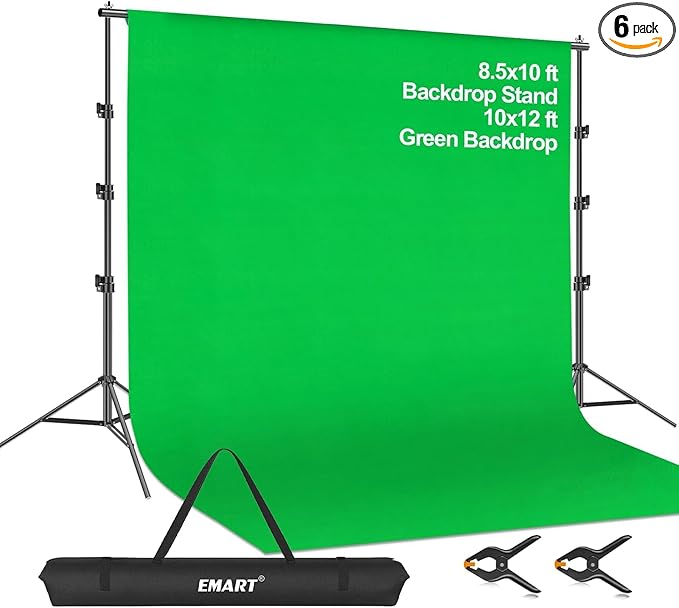
3. Green Screen backdrop with Stand
This option works well for a home or commercial studio. It is larger, affordable, and flexible for a wide range of portrait styles.
Here is a $76 green screen with stand from Amazon
 Click here to view on Amazon
Tip: Do not have your clients stand directly on the green screen fabric. Place a rug on the floor or tuck the excess fabric behind the backdrop to reduce green spill.
Lighting the Subject and Background
Two lights are recommended for illuminating the green screen evenly. This helps eliminate shadows and improves the quality of background removal.
For the subject, use soft boxes or umbrellas to soften the light and create a more flattering portrait. Soft lighting also helps reduce harsh shadows and smooth out skin texture.
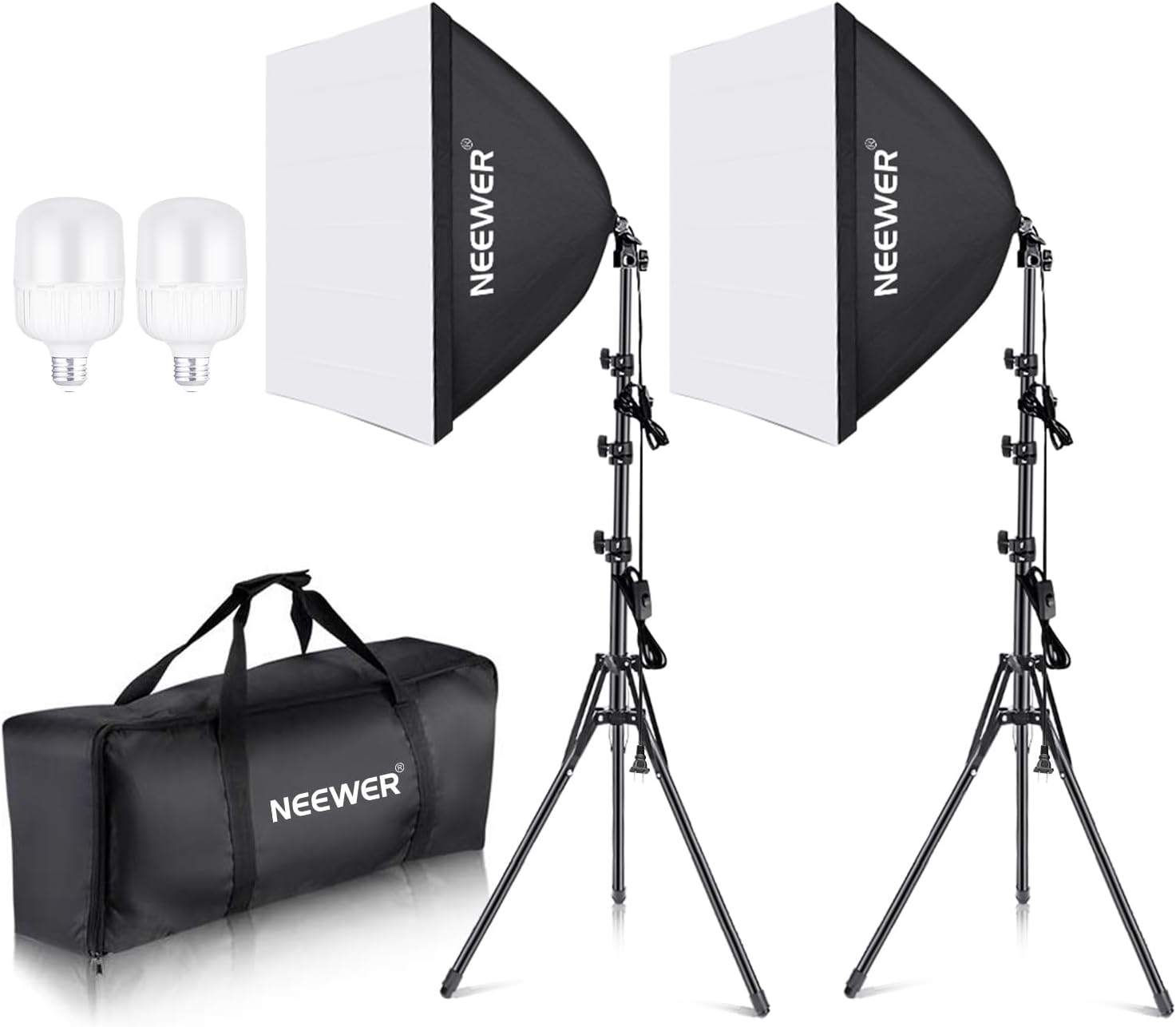
Continuous Lighting
Continuous lights stay on all the time, making them easy to use for beginners. They are portable and let you see the light before taking the photo. Does not need to sync to your camera so even an iPhone can be used.
Here is a $109 Continous Lighting System from Amazon
 Click here to view on Amazon
Strobe Lighting
Strobes provide more power and a quick burst of light. They are often preferred for professional portrait photography because they reduce squinting and allow more powerful lighting.
Here is a $200 Budget Strobe Lighting System from Amazon
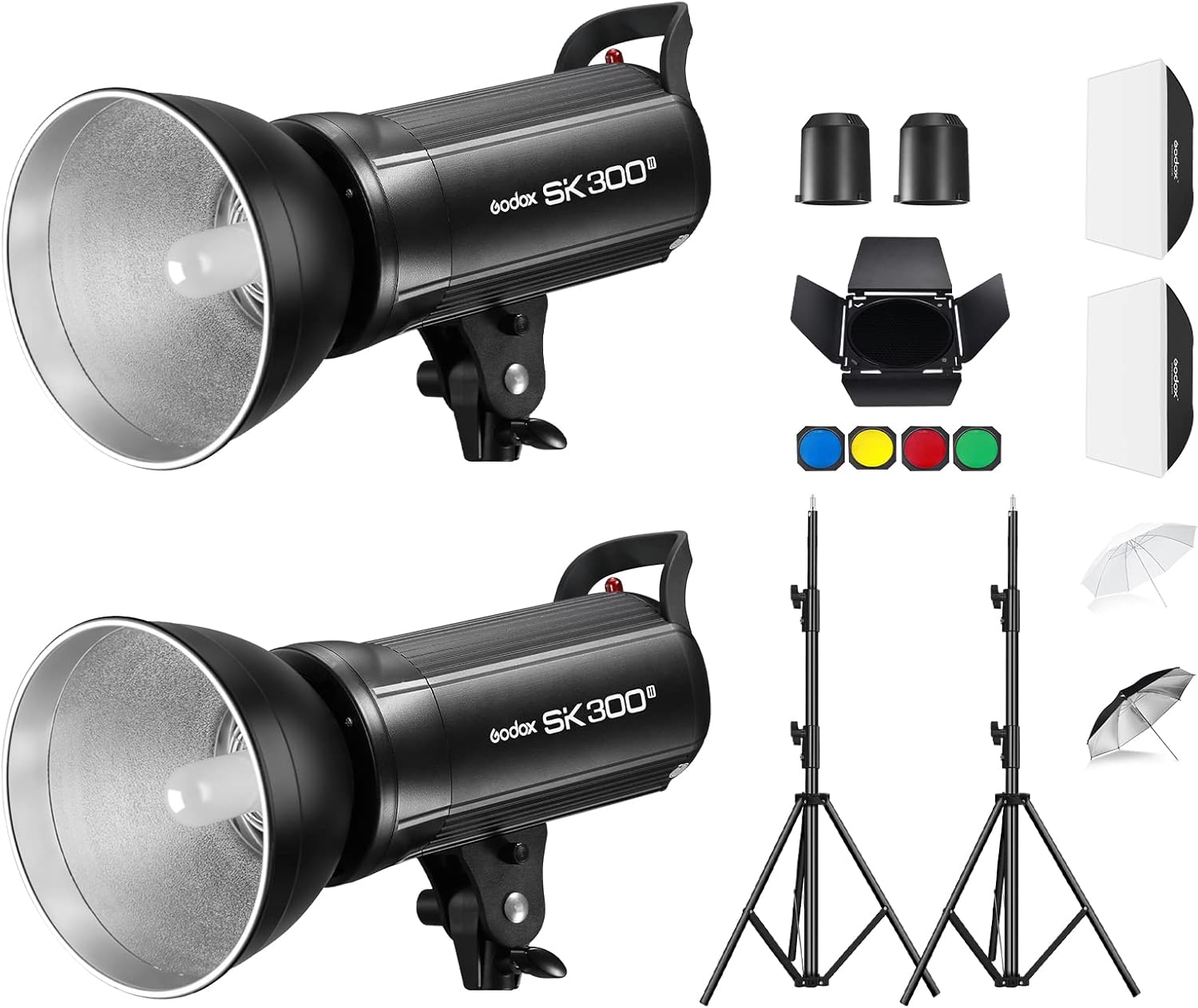 Click here to view on Amazon
With this system you will need to buy a Flash Trigger. Here is one from Ebay for only $23.99 .
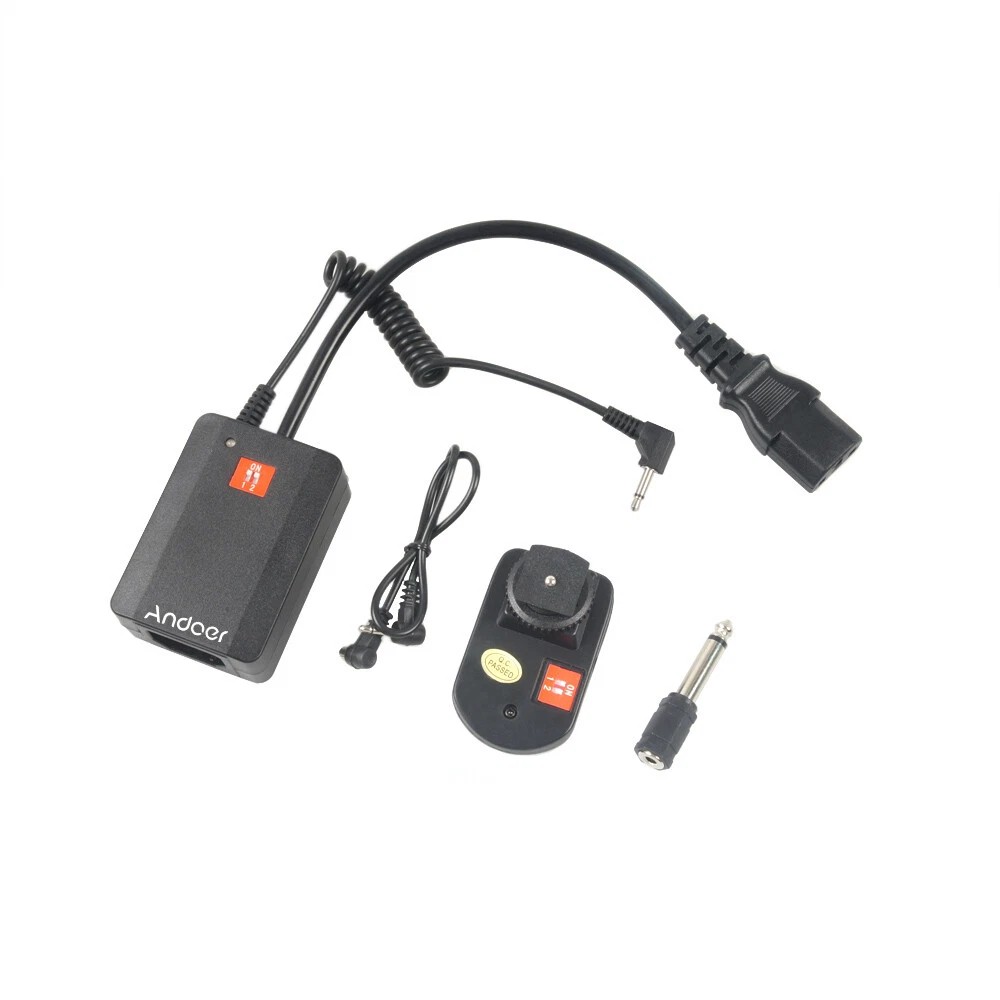 Click here to view on Ebay
Here is a $369 Better Strobe Lighting System from Amazon that comes with a case and 2.4G 16 channel trigger
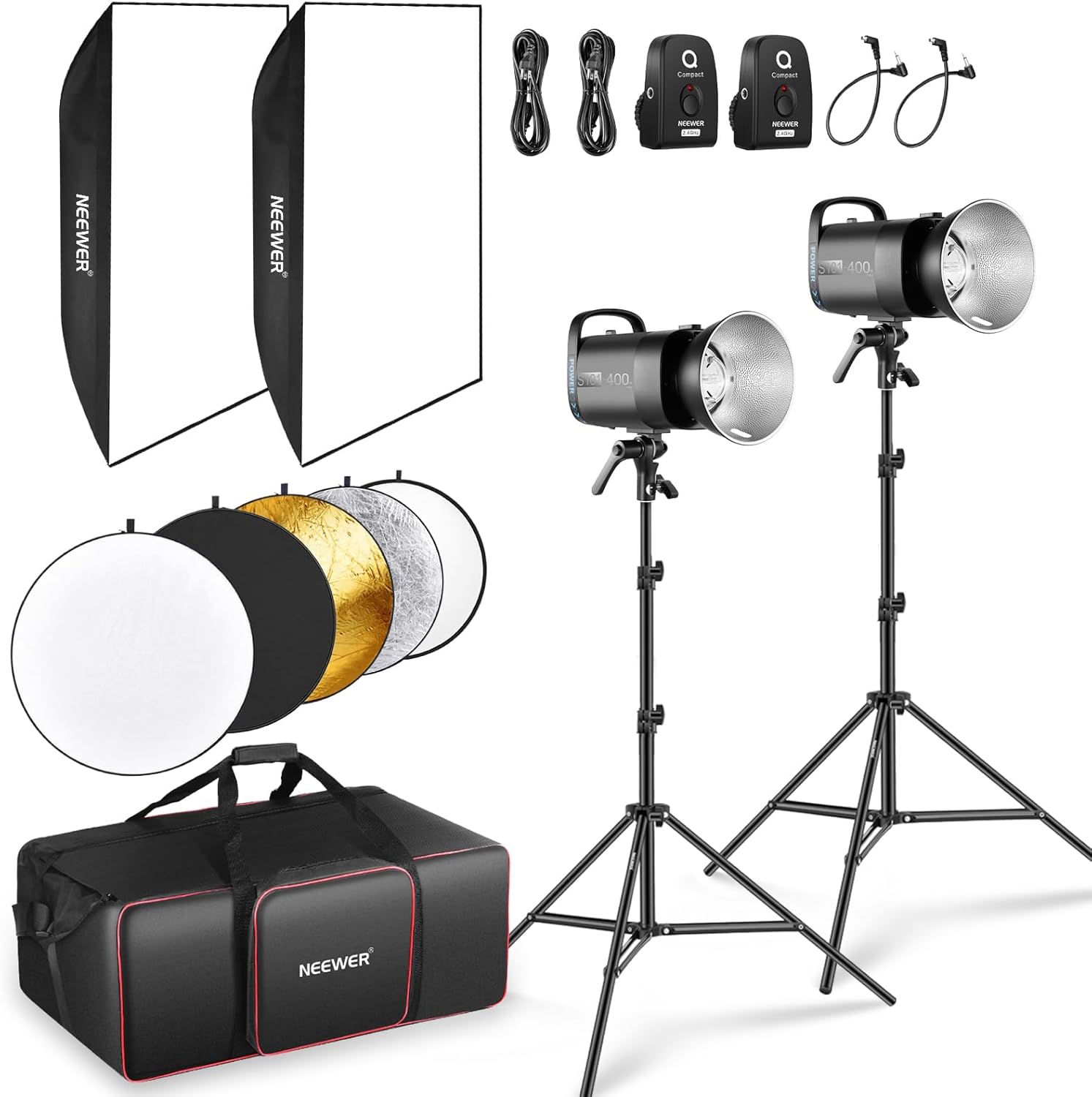 Click here to view on Amazon
Posing Stool
A posing stool is any armless chair on wheels so that you can easily move the subject side to side to photograph their best side.
Here is a $56.31 posing stool from Amazon.
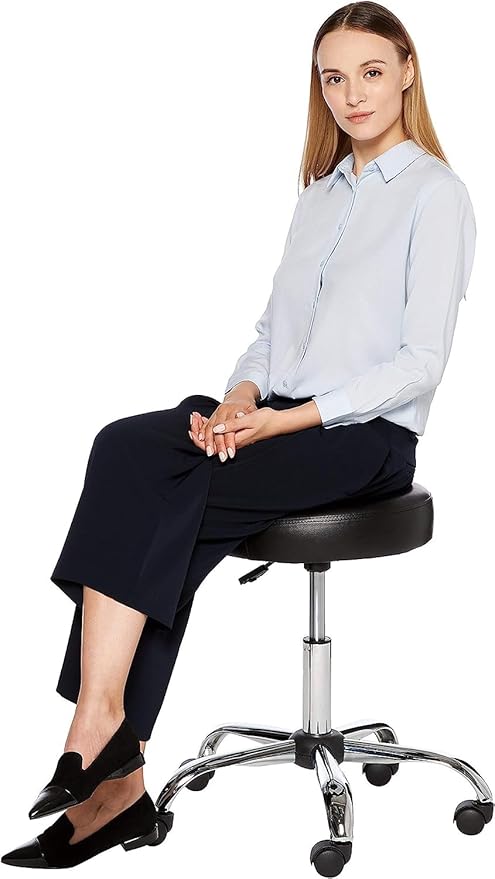 Click here to view on Amazon
Sample Startup Budgets
Basic Portable Portrait Setup
| Item | Cost |
|---|
| Your DSLR or Mirrorless Camera | $0 |
| Green Screen Pop-Up | $66.67 |
| Continuous Lighting Kit | $109.00 |
| Posing Stool | $56.31 |
| Green Screen Wizard Pro Studio | $199.00 |
| Total | $427.98 |
|---|
Break-even example: If you charge $80 per portrait session, you only need 6 customers to recover your startup cost.
Studio Portrait Setup
| Item | Cost |
|---|
| Your DSLR or Mirrorless Camera | $0 |
| Green Screen with Stand | $75.99 |
| Strobe Lighting Kit | $369.00 |
| Posing Stool | $56.31 |
| Green Screen Wizard Pro Studio | $199.00 |
| Total | $700.30 |
|---|
Break-even example: At $80 per portrait session, you would need 9 customers to cover the cost of the equipment and software.
How to Get Started
- Buy equipment that fits your budget.
- Practice with friends and family until you are confident.
- Watch YouTube videos to learn posing and lighting techniques.
- Form a business entity. A DBA (Doing Business As) is a simple way to begin.
- Keep track of equipment purchases that may qualify as tax deductions.
- Promote your services on social media, Craigslist, and in local groups.
Realtor headshots can be a strong niche. Consider contacting local real estate offices, offering a short presentation, or providing a discounted office-wide headshot day.
Start Your Portrait Photography Business
With the right equipment, practice, and software, portrait photography can be both fun and profitable. Green Screen Wizard Pro Studio gives photographers the flexibility to create polished, professional portraits with a wide variety of styles and backgrounds.
Learn More About Pro Studio